Your whole operation, on one screen.
Your whole operation, on one screen, brings your phones, accounts, content, schedules, and team access together in one browser without needing any software installations. According to claim three in the public records, one person runs a full fleet from one dashboard.
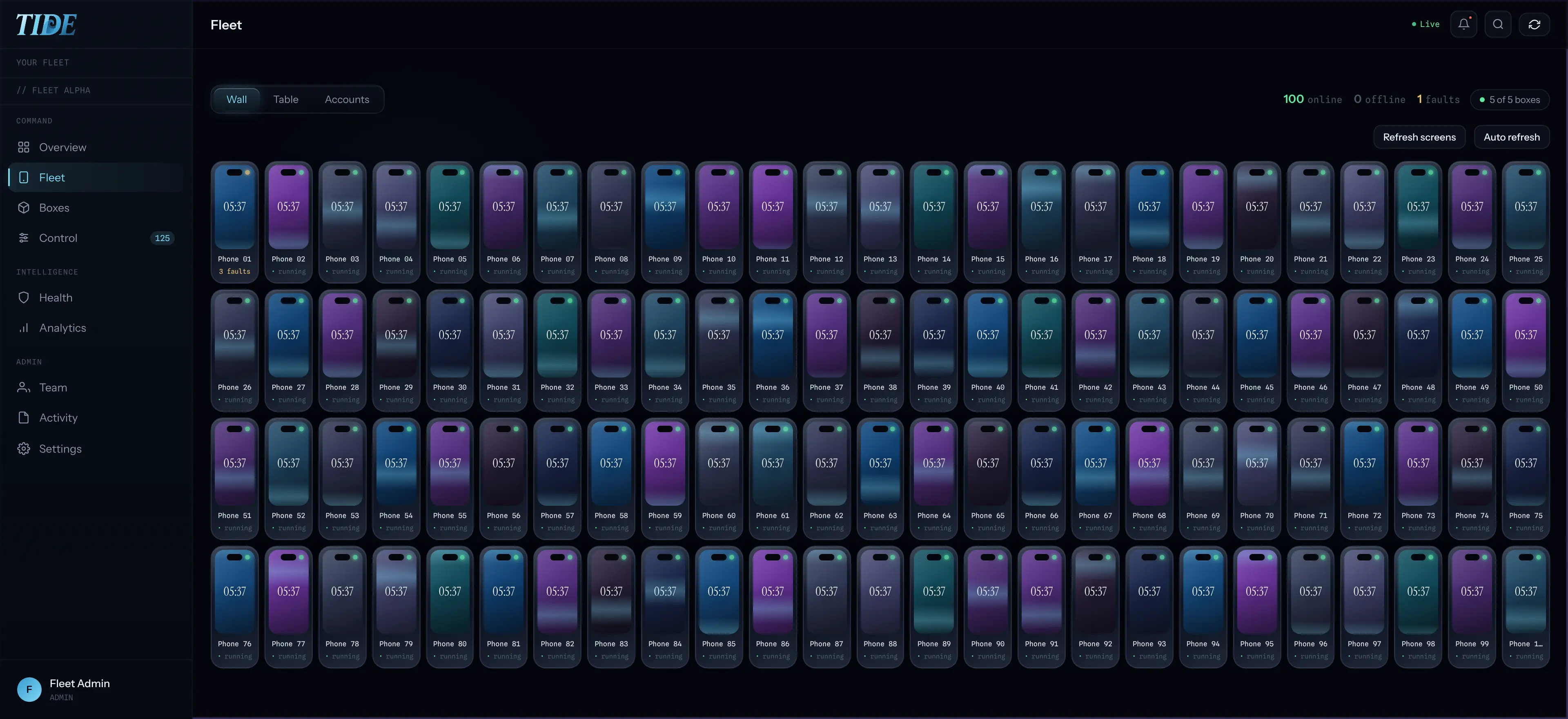
How does the live view display active phones?
Every phone works in real time while you monitor the operation directly through your browser interface. You can tap into any specific device to watch it closely or take over and drive it yourself. Offline or stuck phones are flagged straight away rather than discovered at the end of the week.
How does the queue handle automated posting tasks?
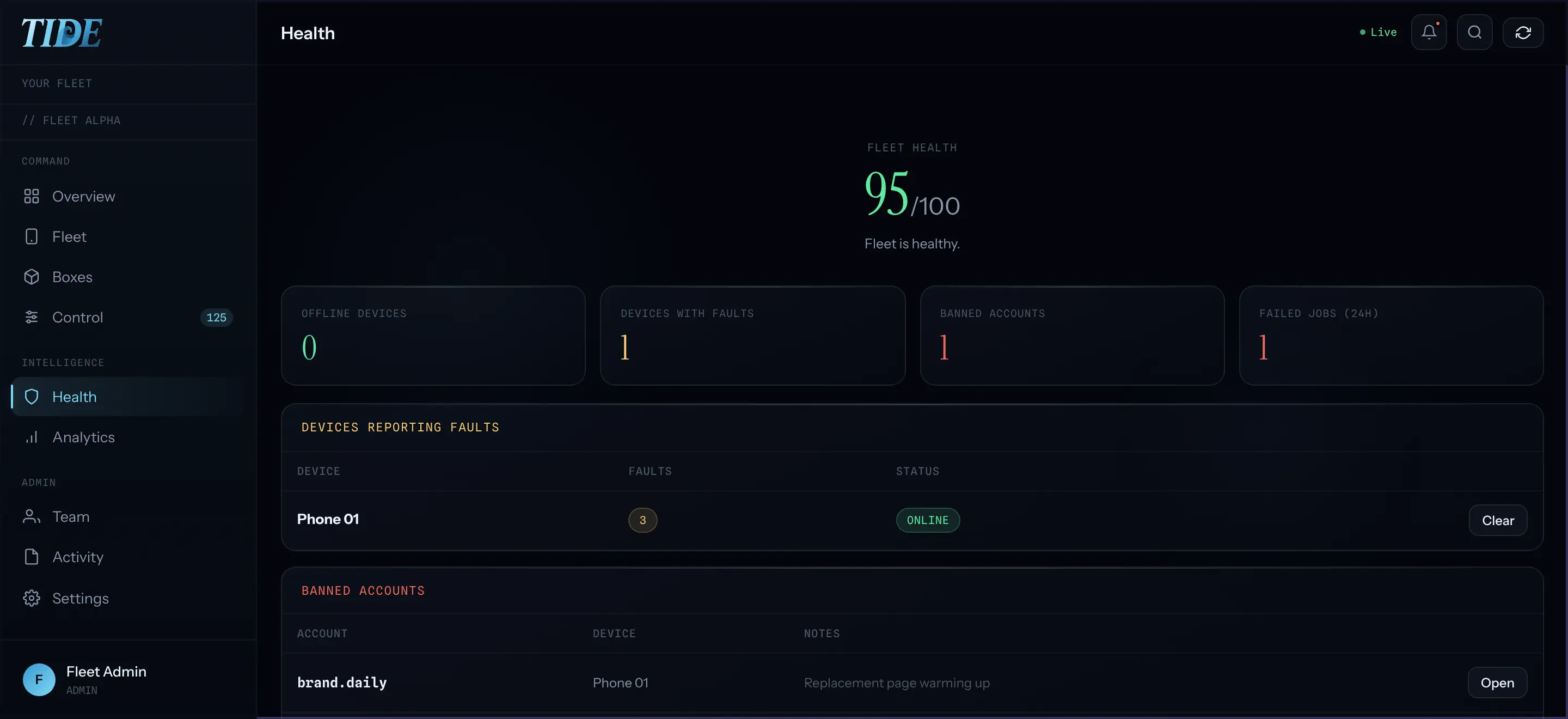
You send a post to the accounts you choose and the queue splits it into one job per phone. Failed jobs retry on their own to ensure steady publishing output across your campaign. Every job keeps a full log with the real error so any failure remains diagnosable.
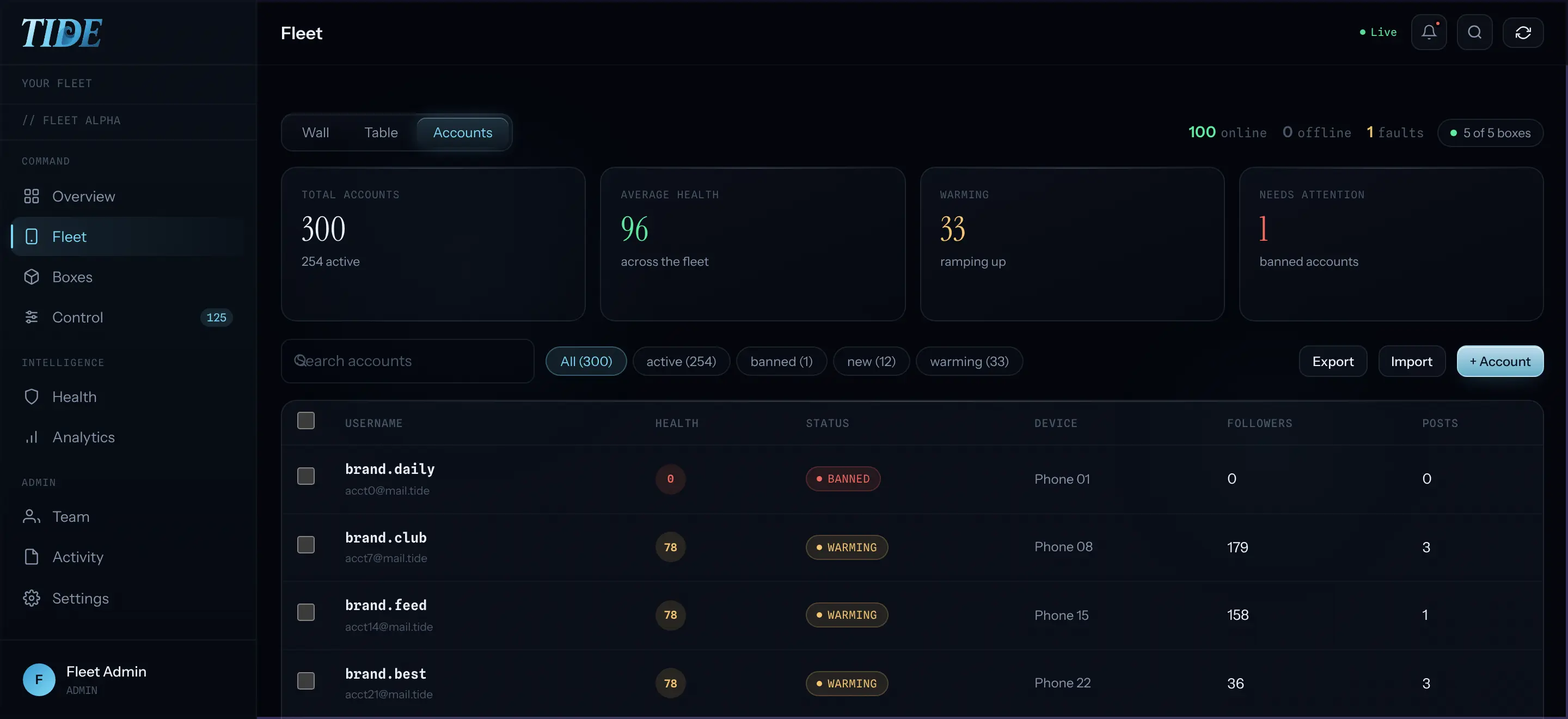
How do you track individual account health scores?
Each account gets a health score built from its status, verification, the phone it lives on, and its posting history. You can select many accounts and act once to batch post, warm up, or change their status. Follower and post counts are read directly from the physical phone rather than estimated.
How does access control manage team permissions?
Phones are assigned to managers, and a manager sees only their phones and the accounts on them. Billing details, other creators, and system settings remain completely hidden from standard managers. Credentials are encrypted with a key belonging to your agency and every view is written to a log.
Questions people ask
What do you see in the main dashboard view?
The main dashboard displays your phones, accounts, content, schedules, results, and team access in one place inside a browser. You do not need to install any software to monitor your active operations and review real time device performance metrics.
How does the system handle failed posting jobs?
Failed jobs retry on their own without requiring manual intervention from your team. Every job keeps a full log containing the real error so you can diagnose issues quickly instead of dealing with mysterious publishing failures.
How are manager permissions restricted in the dashboard?
Phones are assigned specifically to individual managers so they see only their designated devices and assigned accounts. They cannot view billing information, other creators, or system settings, and every view is permanently recorded to a security log.
Sources
- Apple: iOS updates and security releases
- How Instagram ranks posts, explained by Instagram
- TIDE published specs and model (FACTS v1.5), as listed on tidefleet.io